.%20--%3e%3csvg%20xmlns='http://www.w3.org/2000/svg'%20viewBox='0%200%201610%20300'%3e%3cdefs%3e%3clinearGradient%20id='kb'%20x1='0'%20y1='0'%20x2='0'%20y2='300'%20gradientUnits='userSpaceOnUse'%3e%3cstop%20offset='0'%20stop-color='%2373c6e5'/%3e%3cstop%20offset='.25'%20stop-color='%2352b5dc'/%3e%3cstop%20offset='.5'%20stop-color='%233a9fc8'/%3e%3cstop%20offset='.75'%20stop-color='%232b82ae'/%3e%3cstop%20offset='1'%20stop-color='%231a6490'/%3e%3c/linearGradient%3e%3c/defs%3e%3cg%20fill='url(%23kb)'%20fill-rule='evenodd'%3e%3cpath%20d='M0%20300V0H86V136H160V0H246V164H166V219H246V300H160V219H86V300Z'/%3e%3cpath%20d='M401%2083H321V0H567V83H487V219H567V300H321V219H401Z'/%3e%3cpath%20d='M642%20300V0H728V83H808V136H882V0H968V300H882V219H802V164H728V300Z'/%3e%3cpath%20d='M1043%20300V0H1289V164H1209V219H1289V300H1203V219H1129V300ZM1129%2083V136H1203V83Z'/%3e%3cpath%20d='M1364%20300V83H1444V0H1610V300H1524V219H1450V300ZM1450%2083V136H1524V83Z'/%3e%3c/g%3e%3c/svg%3e)
Kin / Overview
Kin
Kin is a terminal-based AI peer for working in a real project. It reads and changes files, runs tools, coordinates agents, and runs headlessly under host schedulers.
Read as MarkdownKin is a terminal-based AI peer for working in a real project. It reads and
changes files, runs tools, searches the workspace, coordinates agents, and
keeps durable local sessions. For unattended or recurring work, cron, systemd,
launchd, CI, or another host scheduler can start a fresh local kin -p run.
“Peer” describes an engineering philosophy, not a claim about sentience. Design for understanding and collaboration, calibrate before blaming the model, and verify every important claim.
Start here
- Install Kin.
- Connect a model and launch. The in-app
/providersflow is the recommended route. - Send your first message.
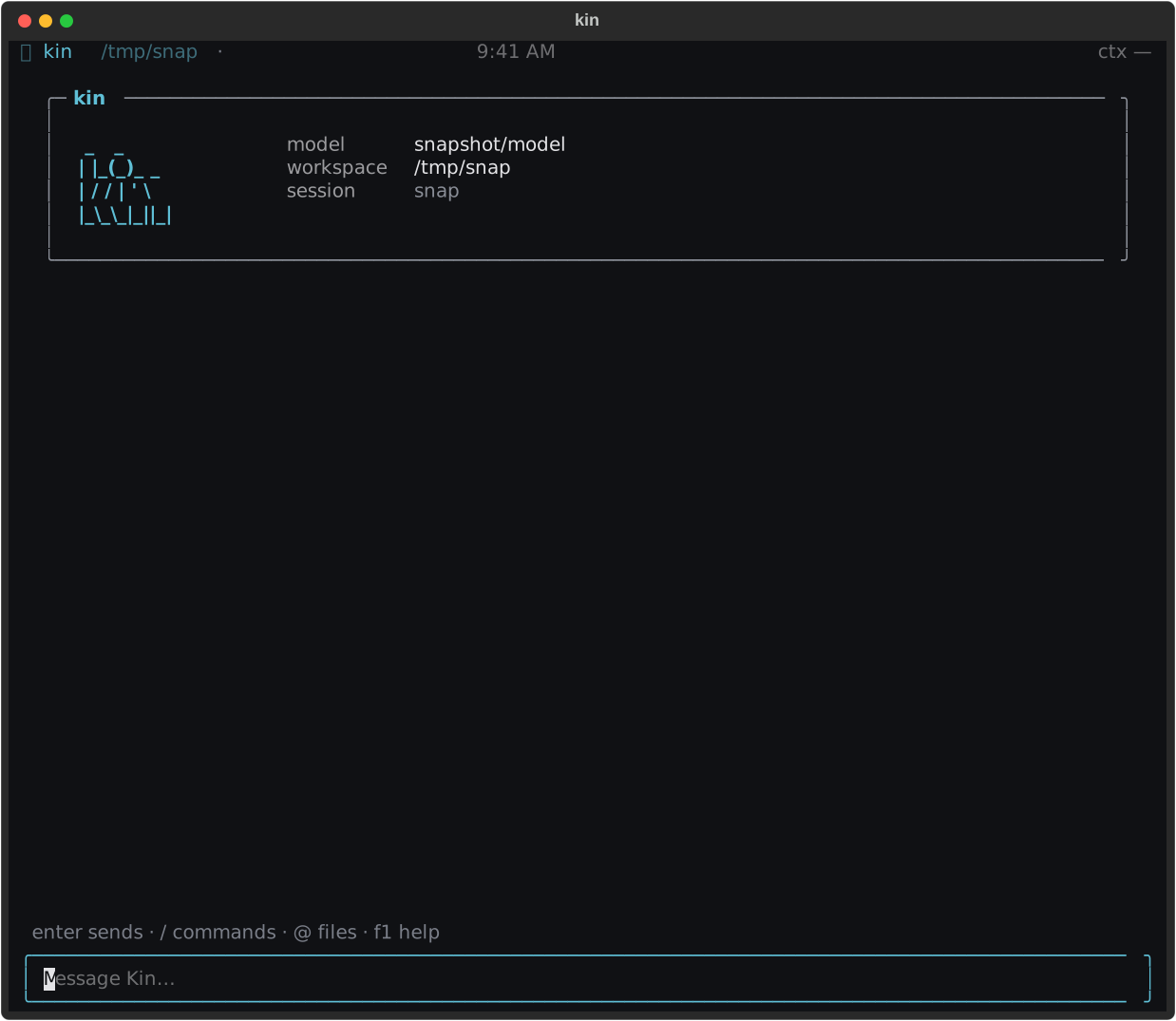
The welcome screen is the final connection check: confirm the model and workspace, then send a message.
Work with Kin
Start with a concrete outcome: “explain this failure,” “change the parser and test it,” or “find every caller of this function.” Kin streams its answer, keeps reasoning collapsed, and renders tool calls as a compact work log.
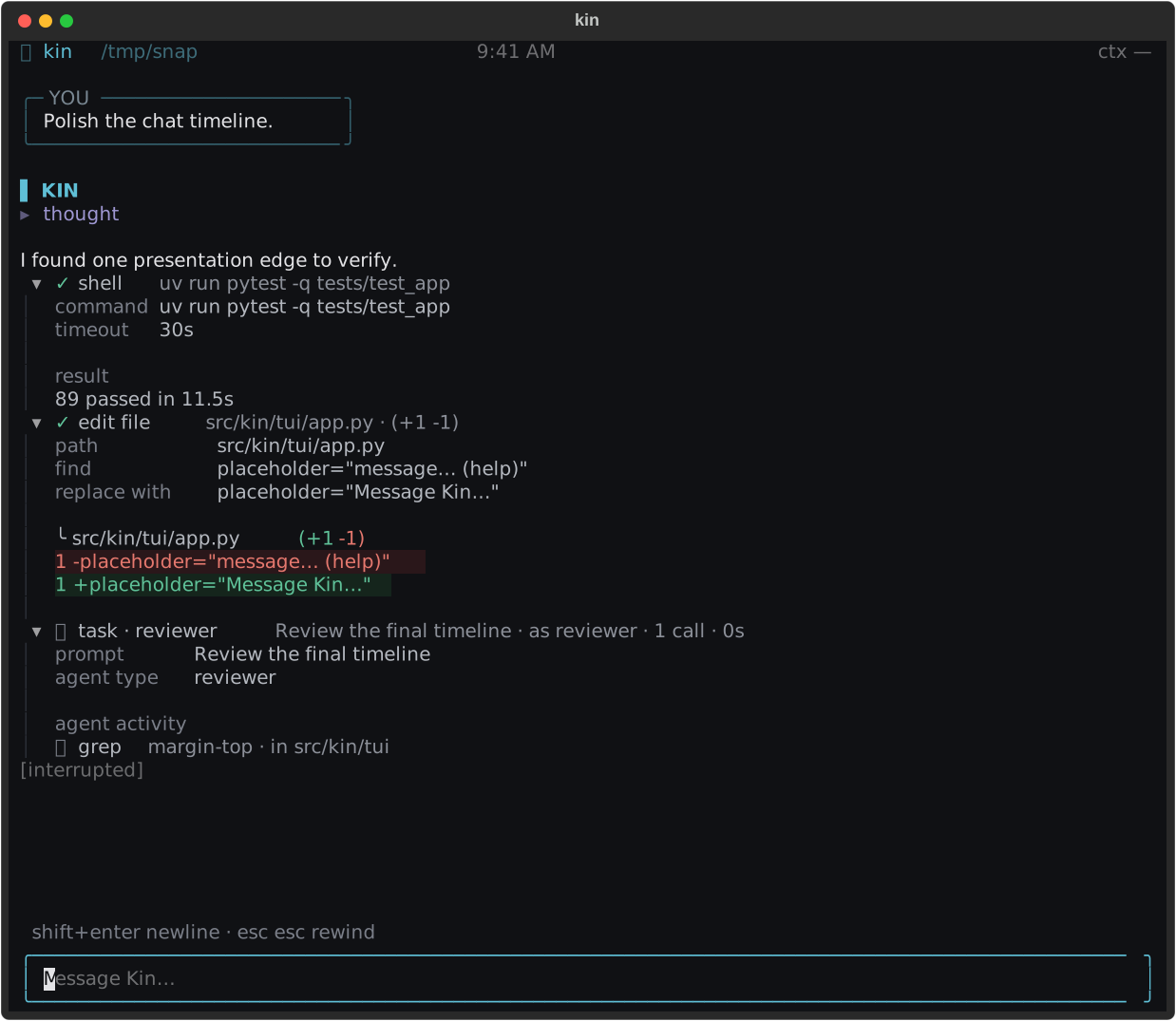
Continue with First session, then keep Files & tools, modes and approvals, and keybindings nearby.
Choose the right kind of delegation
- Use a local subagent for parallel investigation or a bounded independent task while Kin is running.
- Use a skill for a reusable set of instructions.
- Use a host scheduler when recurring work
should start a fresh local
kin -pprocess.
All three remain inside the same tool, permission, repository, and verification boundaries. Delegation never manufactures authority.
Find the right depth
- Use Kin covers files, search, modes, sessions, commands, web tools, research, and MCP.
- Agents & automation covers skills, subagents, and scheduled headless runs.
- How Kin works explains architecture, permissions, agents, tasks, and visual identity.
- Reference is the provider, workspace-trust, CLI, environment, settings, and event surface.
- Maintainers contains testing, decisions, and extension guidance.
If something looks wrong, first confirm the model and workspace in the welcome screen. Provider failures belong in Connect a model and first run; permission prompts belong in Modes & approvals; scheduled-run issues belong in Scheduled jobs.