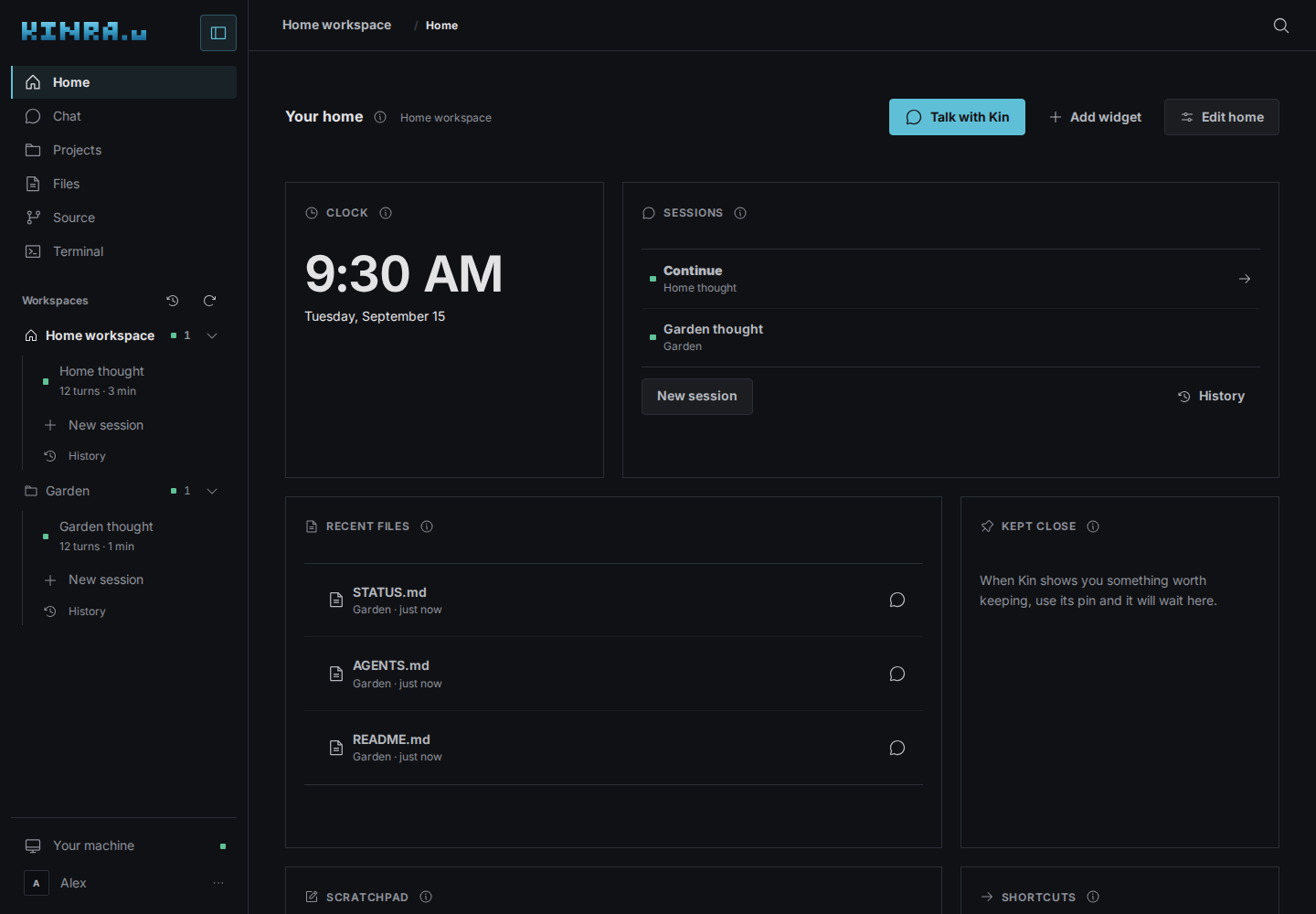
What Space does
Return to your work
Find live and saved Kin sessions by workspace. Read the timeline, answer decisions, and keep files close to the conversation.
Give projects a home
Work in ordinary folders, bring in GitHub repositories, or explicitly choose private Depot custody. Portfolios keep each member repository independent.
Make something you can use
Ask Kin for an interactive explanation or small tool. Keep useful results and build personal widgets for your Home board.
Use your machine
Edit and download files, rejoin a retained shell, use Docker, and connect the machine to your tailnet when its integration is available.
Begin with one useful thing
- Come inside
Sign into an existing Space and check that a model connection is ready. Home is a place to begin without setting up a project first.
- Work with Kin
Ask for an outcome, share relevant files, and review the questions and actions that follow.
- Keep and return
Save files and project checkpoints, pin useful views, and continue a conversation on your next visit.
Access and current limits
- Space is experimental and access is private. Public signup is not open. The manual helps existing occupants; it does not announce a public service or self-service provisioning.
- Kin owns conversation history, model connections, tools, and approvals. Depot owns saved Git custody, review, and recovery.
- Workspaces share one personal machine. They are not separate security boundaries.
- An internet connection is needed to reach the machine. Browser disconnection, machine restart, and a verified backup are different events.
- Desktop and phone layouts have browser acceptance coverage. Physical-device installation, sharing, and background behavior still depend on the browser and device.
Source authority: The Kinra Space repository owns behavior and deployment evidence; Kinra Site authors the user manual against an exact reviewed Space revision. Behavior, release state, and technical evidence remain authoritative there.
.%20--%3e%3csvg%20xmlns='http://www.w3.org/2000/svg'%20viewBox='0%200%201610%20300'%3e%3cdefs%3e%3clinearGradient%20id='kb'%20x1='0'%20y1='0'%20x2='0'%20y2='300'%20gradientUnits='userSpaceOnUse'%3e%3cstop%20offset='0'%20stop-color='%2373c6e5'/%3e%3cstop%20offset='.25'%20stop-color='%2352b5dc'/%3e%3cstop%20offset='.5'%20stop-color='%233a9fc8'/%3e%3cstop%20offset='.75'%20stop-color='%232b82ae'/%3e%3cstop%20offset='1'%20stop-color='%231a6490'/%3e%3c/linearGradient%3e%3c/defs%3e%3cg%20fill='url(%23kb)'%20fill-rule='evenodd'%3e%3cpath%20d='M0%20300V0H86V136H160V0H246V164H166V219H246V300H160V219H86V300Z'/%3e%3cpath%20d='M401%2083H321V0H567V83H487V219H567V300H321V219H401Z'/%3e%3cpath%20d='M642%20300V0H728V83H808V136H882V0H968V300H882V219H802V164H728V300Z'/%3e%3cpath%20d='M1043%20300V0H1289V164H1209V219H1289V300H1203V219H1129V300ZM1129%2083V136H1203V83Z'/%3e%3cpath%20d='M1364%20300V83H1444V0H1610V300H1524V219H1450V300ZM1450%2083V136H1524V83Z'/%3e%3c/g%3e%3c/svg%3e)